
Have you ever found yourself feeling overwhelmed or confused when it comes to understanding computers? With technology playing an increasingly important role in our lives, it is essential to have a basic understanding of how computers work. Whether you are a business professional, a student, or simply someone looking to expand your knowledge, this article is here to help you demystify the world of computers.
Introduction: The Fundamental Building Blocks
At its core, a computer is a device that performs tasks by following specific instructions. To comprehend this concept, it is crucial to understand the fundamental building blocks that make up a computer.
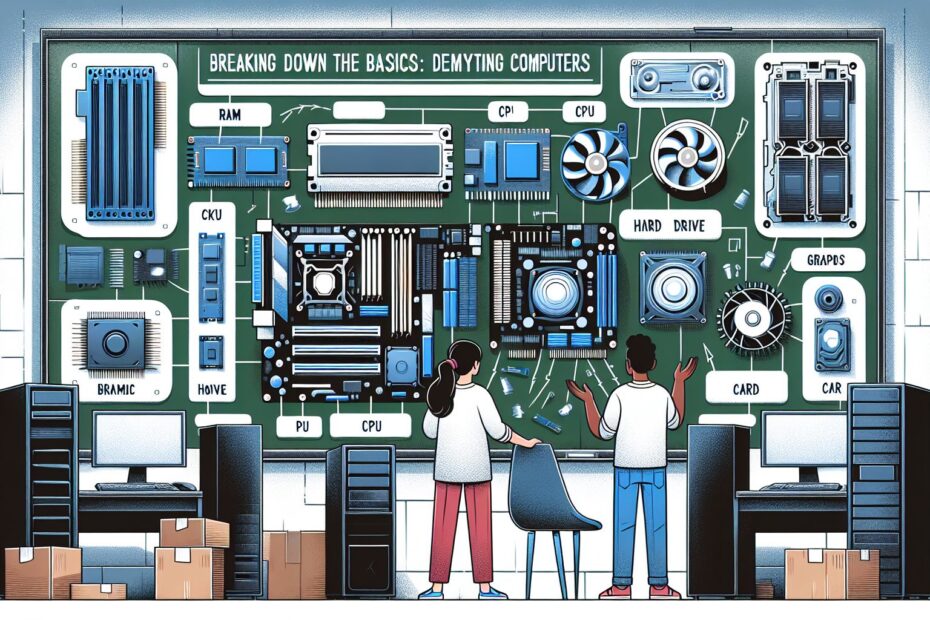
1. Hardware: Hardware refers to the physical components of a computer, which include the central processing unit (CPU), memory, storage devices, input devices (like keyboards and mice), output devices (such as monitors and printers), and various other peripheral devices. Think of this as the physical body of the computer.
2. Software: Software is a collection of programs that enables a computer to perform specific tasks. It can be divided into two categories: system software and application software. System software is responsible for managing the hardware and controlling basic functions, while application software allows users to perform particular tasks, such as word processing or photo editing.
3. Operating System: The operating system (OS) is a type of software that acts as an interface between the user and the computer hardware. It manages system resources, provides a user-friendly interface, and allows the execution of different applications. Common operating systems include Windows, macOS, and Linux.
Understanding How Computers Process Information
Computers process information following a series of steps known as the “Fetch-Decode-Execute” cycle. Let’s break down each step:
1. Fetch: The computer retrieves the instructions it needs to execute from memory or storage.
2. Decode: The fetched instructions are then decoded by the CPU, which breaks them down into smaller parts that the computer can understand.
3. Execute: The CPU carries out the instructions, performing calculations, accessing data, or transmitting information to other components.
This cycle repeats continuously until the task is complete or until the computer is turned off.
Different Types of Computers
Computers come in various forms, each designed for specific purposes. Let’s explore some common types:
1. Personal Computers (PC): PCs are the most commonly used type of computer and are suitable for individual use. They are generally located on a desk, consist of a monitor, CPU, keyboard, and mouse, and are capable of performing a wide range of tasks.
2. Laptops: Laptops are portable computers that offer the same functionality as a PC but are designed for mobility. They consist of a screen, keyboard, trackpad, and built-in battery.
3. Tablets: Tablets are handheld devices that have gained popularity due to their compact size and touch-screen interfaces. They are primarily used for browsing the internet, media consumption, and running applications.
4. Servers: Servers are powerful computers that manage and store network resources. They are used to facilitate communication, data storage, and provide centralized services in business environments.
Computer Terminology: Decoding the Jargon
The world of computers is filled with technical jargon that can be intimidating for those unfamiliar with it. Here are some common terms you may come across:
1. RAM: Random Access Memory (RAM) is temporary memory that allows a computer to access data quickly. It is used to store instructions and data that the CPU needs to access and process.
2. Hard Drive: A hard drive is a storage device used to store and retrieve data on a long-term basis. It can store large amounts of data, including the operating system, applications, and user files.
3. Firewall: A firewall is a security measure that monitors and controls incoming and outgoing network traffic. It acts as a barrier between a computer or network and potential threats, such as hackers or malware.
4. Cloud Computing: Cloud computing refers to the practice of using remote servers hosted on the internet to store, manage, and process data. It allows users to access applications and files from any location with an internet connection.
Conclusion: Empowering Yourself with Computer Knowledge
In a world where computers are integral to both personal and professional tasks, understanding the basics of how these machines work is becoming increasingly important. By familiarizing yourself with computer hardware, software, and the core concepts discussed in this article, you can navigate the vast world of technology with ease. So, embrace the opportunity to learn more about computers and empower yourself with the knowledge needed to thrive in the digital age.